
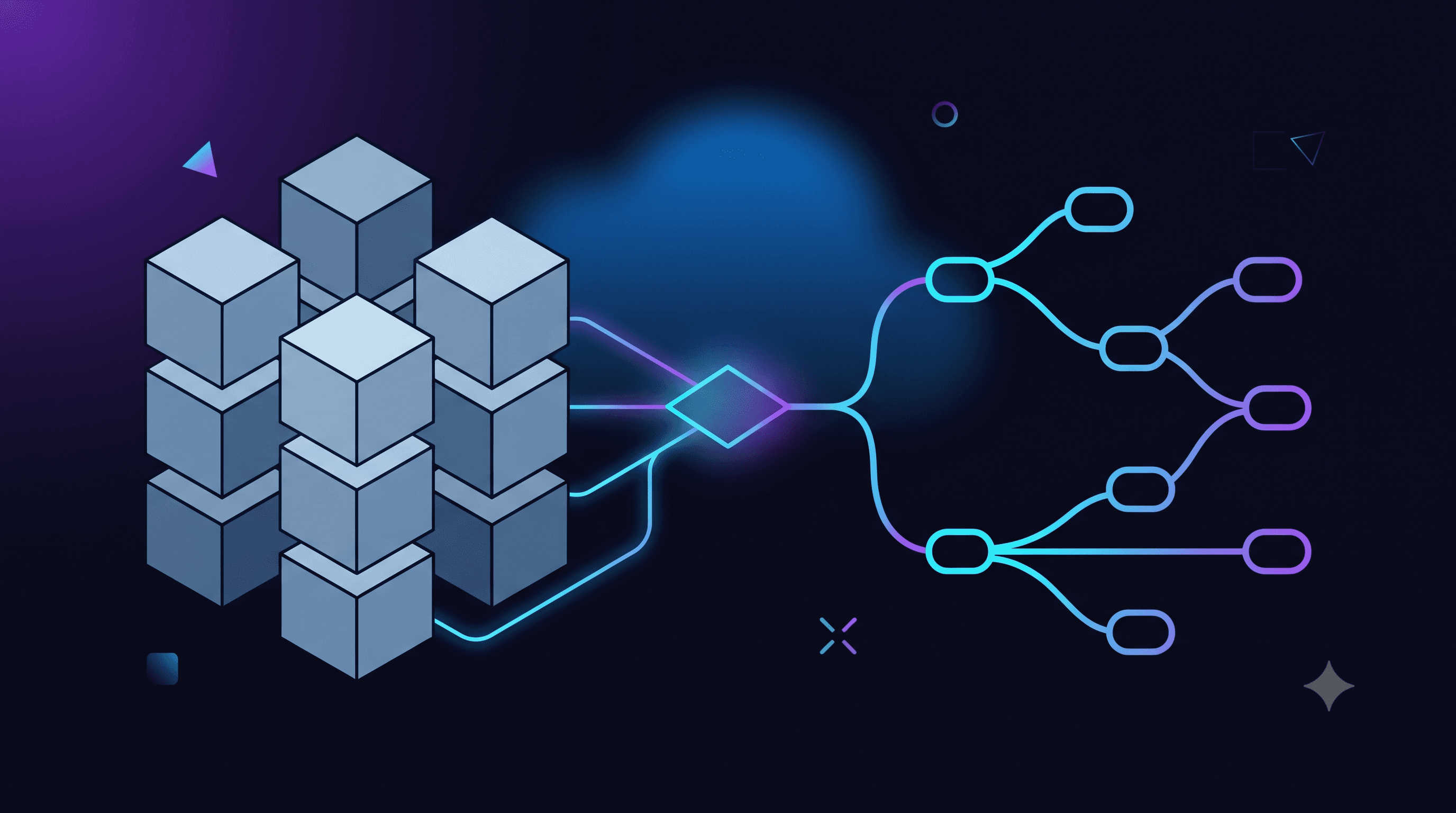
Azure AI Foundry vs Custom LLM Integration: The Enterprise Decision
When building enterprise AI applications on Azure, teams face an early architecture decision: use Azure AI Foundry (formerly Azure AI Studio) as the managed platform for AI development and deployment, or build a custom integration directly with Azure OpenAI Service and your own tooling stack. Both are valid. The wrong choice costs months of rework.
What Azure AI Foundry Provides
Azure AI Foundry is Microsoft's unified platform for AI development. It provides: Model catalogue: access to OpenAI models, Microsoft models (Phi-3, Phi-4), and open-source models (Llama, Mistral) in a single deployment interface. Prompt management: version-controlled prompt templates with evaluation framework. Evaluation: automated evaluation of model outputs against metrics (coherence, groundedness, relevance, fluency) using GPT-4 as judge or custom evaluators. Fine-tuning: managed fine-tuning pipelines for supported models. Deployment: managed model deployments with traffic splitting for A/B testing. Safety and content filtering: centralised content filter management across all deployed models. Monitoring: built-in token usage, latency, and quality metrics dashboards.
When Azure AI Foundry Is the Right Choice
Use Azure AI Foundry when: You need to evaluate multiple models for your use case. The Foundry model catalogue and evaluation framework make this significantly easier than building custom evaluation pipelines. You are building a RAG (Retrieval-Augmented Generation) application. Azure AI Foundry integrates natively with Azure AI Search for vector search and Azure Blob Storage for document ingestion. Your team includes non-engineers (product managers, prompt engineers) who need to iterate on prompts. Foundry's UI-based prompt management is more accessible than direct API calls. You need to fine-tune a model. Foundry's managed fine-tuning is significantly simpler than setting up fine-tuning infrastructure manually. You are building multiple AI applications and want centralised governance. Foundry provides a single control plane for all your AI deployments.
When Custom Integration Is the Right Choice
Build a custom integration directly with Azure OpenAI when: You have a single, well-defined use case and one model (e.g., GPT-4o for a specific agent workflow). You need complete control over the request pipeline — custom middleware, request transformation, response processing. You are using LangGraph.js or LangChain and the framework handles the orchestration that Foundry would otherwise provide. You need to integrate with systems that Foundry does not support natively. Your team is comfortable with API-level development and the operational overhead of managing the integration stack.
The Hybrid Approach
In practice, many enterprise teams use a hybrid: Azure AI Foundry for model management, evaluation, and deployment (the MLOps layer). Custom application code (LangGraph.js, LangChain) for orchestration, agent logic, and integration. Azure AI Foundry deployments are standard Azure OpenAI endpoints — your LangGraph.js application calls them identically to any other Azure OpenAI deployment. You get Foundry's governance and evaluation capabilities while retaining full orchestration control in your application code.
Cost Considerations
Azure AI Foundry itself has no platform fee — you pay for the underlying model deployments (Azure OpenAI pricing) and any additional services used (Azure AI Search, Azure Storage). Evaluation runs cost additional tokens (GPT-4 as judge is expensive at scale). Fine-tuning has per-hour training costs plus additional per-token inference costs for fine-tuned models. For teams doing active prompt evaluation and model comparison, Foundry's cost is mainly the evaluation token consumption — budget £500–£2,000/month for a team doing active evaluation work.
Building enterprise AI on Azure? Book a Strategy Session with Techseria — we'll help you design the right architecture for your specific use case and team maturity.
Ready to accelerate your operations?
See how custom AI solutions, ERPNext integration, and workflow automations can lower your operating costs. Book your free 30-minute Workflow Audit with a senior engineer.