
How to Implement AI Agents in Your Existing Business Workflows Without Rebuilding Your Tech Stack
The number one reason enterprise AI agent projects stall in procurement is a false assumption: that deploying AI agents requires rebuilding or replacing the existing technology stack.
IT directors hear "AI agent deployment" and immediately think: another 18-month migration project, another vendor lock-in, another budget that will balloon 3x before go-live. The CTO's team starts mapping dependencies and concludes that touching the core systems is too risky. The project goes back in the queue.
This assumption is wrong, and the misunderstanding is costing enterprises real business value.
LangGraph.js AI agents connect to existing systems — CRM, ERP, HRIS, legacy databases, custom APIs — through two integration patterns that require zero modification to your existing infrastructure: Model Context Protocol (MCP) tool servers and REST API tool nodes. In most cases, if your system has an API (and most enterprise systems built after 2010 do), an AI agent can interact with it within days of engagement start.
This post explains how.
The Tool Node Architecture
In LangGraph.js, an agent's ability to interact with external systems is defined through tool nodes. A tool is a TypeScript function that the agent can call — it takes typed input parameters and returns typed output. From the agent's perspective, a tool is a capability: "I can query the Salesforce CRM for contact information" or "I can create a purchase order in the ERP."
The tool definition and the tool implementation are cleanly separated. The agent knows what tools exist and what their input/output schemas are. The implementation of how to actually call Salesforce is encapsulated in the tool function, invisible to the agent's reasoning layer.
This separation is what enables the "no stack rebuild" promise. Your existing Salesforce instance doesn't change. The REST API it exposes doesn't change. You write a tool function that calls that API, register it with the LangGraph.js agent, and the agent can now query and update Salesforce as part of its workflow.
Here is what a Salesforce tool node definition looks like conceptually:
const salesforceContactLookupTool = tool( async ({ contactEmail }: { contactEmail: string }) => { const response = await salesforceClient.query(
The agent calls this tool by name with an email address. The tool queries your existing Salesforce instance using your existing API credentials. No Salesforce configuration changes, no data migration, no new Salesforce modules.
Model Context Protocol (MCP): The Ecosystem Standard
MCP is an open protocol specification published by Anthropic that standardizes how AI agents connect to data sources and tools. An MCP server exposes a standardized interface that any MCP-compatible AI client — including LangGraph.js agents — can connect to.
The practical implication: major enterprise software vendors are publishing MCP servers for their products. If your system has a published MCP server, connecting a LangGraph.js agent to it requires zero custom code — you point the agent at the MCP server endpoint and it auto-discovers all available tools and their schemas.
MCP servers exist or are in active development for:
- Microsoft 365 — Email, calendar, Teams, SharePoint, OneDrive
- Salesforce — CRM contacts, opportunities, accounts, cases
- Slack — Messages, channels, user directory
- GitHub — Repositories, issues, pull requests, code search
- Jira / Confluence — Issues, projects, documentation
- Google Workspace — Gmail, Calendar, Drive, Docs
- Stripe — Payments, subscriptions, invoices
- PostgreSQL / MySQL / SQL Server — Direct database query capability
- ERPNext — Full ERP operations (Techseria-maintained)
For systems without an existing MCP server, Techseria builds custom MCP servers as part of the integration engagement. A custom MCP server for a mid-complexity enterprise API typically takes 3–5 days to build and test.
Integration Pattern 1: REST API Tool Nodes
For systems with well-documented REST APIs, the direct tool node pattern is the most common approach:
Step 1 — API audit. We review the target system's API documentation, identify the endpoints relevant to the agent workflow (typically 5–15 endpoints per system), and map the authentication mechanism (OAuth 2.0, API key, JWT).
Step 2 — Tool function development. Each relevant endpoint becomes a typed tool function. The function handles authentication, makes the API call, transforms the response to a normalized schema, and handles error cases.
Step 3 — Schema definition. Each tool gets a Zod schema defining its input parameters. This schema is passed to the LLM so it knows how to call the tool correctly. Clear parameter descriptions are critical — they inform the LLM's tool-selection reasoning.
Step 4 — Integration testing. Tools are tested in isolation against the real API in a staging environment. Error handling is validated — what happens when the API returns a 429 rate limit? A 503? A malformed response?
Step 5 — Registration. Tools are registered with the LangGraph.js agent graph. The agent can now use them as part of workflow execution.
For a typical mid-market enterprise with a CRM, an ERP, and a HRIS, the full tool integration layer takes 2–3 weeks to build, test, and validate.
Integration Pattern 2: Database Direct Access
For legacy systems without REST APIs — which is common in manufacturing, logistics, and older financial services firms — the agent can connect directly to the database.
LangGraph.js tool nodes can query SQL databases using typed query builders. The key architectural requirement is read-only access for query tools (the agent reads data from the legacy system) and write operations routed through a controlled API layer (the agent writes to modern systems that sync back to legacy).
This pattern is effective when:
- The legacy system has no API but you need its data
- The legacy system's database schema is documented
- Direct DB access is acceptable under your security policy (often with read-only credentials in a read replica)
For a logistics client with a legacy warehouse management system from 2008, we built a read-only tool suite that queried the SQL Server database for inventory levels, location data, and shipment status. The LangGraph.js agent could reason on real-time warehouse data without any modification to the 15-year-old WMS.
Integration Pattern 3: Event-Driven Triggers
Not all agent workflows are triggered by a user request. Many enterprise workflows should trigger automatically when something happens in an existing system: a new sales opportunity reaches a threshold, an invoice is submitted, inventory drops below reorder point.
LangGraph.js workflows are initiated by calling the graph's invoke() or stream() method with an initial state. This can be triggered by:
- Webhook receivers — Your CRM or ERP fires a webhook on a specific event; your server receives it and starts a LangGraph.js workflow
- Message queue consumers — An Azure Service Bus, Amazon SQS, or RabbitMQ message triggers workflow initiation
- Scheduled jobs — A cron-triggered Azure Function starts daily workflow runs
- Database change streams — A PostgreSQL LISTEN/NOTIFY or SQL Server Change Data Capture event triggers workflow initiation
In a procurement automation deployment, purchase requisitions submitted in ERPNext trigger a webhook that initiates the LangGraph.js approval workflow within seconds of submission. The operations team didn't change anything about how they submit requisitions — the trigger is invisible to them.
What Your Existing Systems Don't Need to Do
To implement LangGraph.js AI agents against your existing stack, your existing systems do not need to:
- Expose new API endpoints specifically for AI
- Run new software agents or sidecars
- Migrate data to a new schema or store
- Change their authentication mechanisms
- Know that AI agents are calling them
From the perspective of your Salesforce instance, Dynamics 365, or legacy Oracle ERP, the AI agent looks like another API client with valid credentials. The system serves the API request and returns the response. What happens with that response — reasoning, decision-making, downstream actions — is invisible to it.
This is the correct architectural boundary. Your existing systems are data and action providers. The AI agent is the reasoning and orchestration layer. They should not need to know about each other's existence.
Real-World Integration Stack: A Sample
For a professional services firm (1,200 employees, UK-based) that engaged Techseria for client onboarding automation, the integration stack was:
- HubSpot CRM — REST API tool nodes for contact, deal, and company records
- DocuSign — REST API tool nodes for envelope creation, status checking, and completion webhooks
- Microsoft Teams — MCP server for sending notifications and creating approval request cards
- Xero — REST API tool nodes for invoice creation and client account setup
- SharePoint — MCP server for document library management and file operations
- Custom legacy billing system — Direct PostgreSQL tool nodes (read-only, read replica)
None of these systems were modified. The entire integration layer was built as LangGraph.js tool nodes and MCP server connections. The engagement was completed in 7 weeks, with the first workflows going live in week 4.
The Migration Question
"But should we migrate to a better system eventually?"
Often, yes. Legacy systems accrue technical debt and operational cost. But the AI agent deployment doesn't depend on that migration. In fact, AI agent deployment often makes the migration case easier to build: once the agent is successfully automating workflows against the legacy system, you have quantified business value and a clear API specification that defines what the new system needs to provide. The migration can proceed on its own timeline without blocking AI value delivery.
Ready to deploy AI agents that actually work in production? Book a Strategy Session with Techseria — we'll map your existing tech stack and show you exactly which workflows can be automated in your first 6–8 week sprint.
[Book a Strategy Session](https://techseria.com/contact)
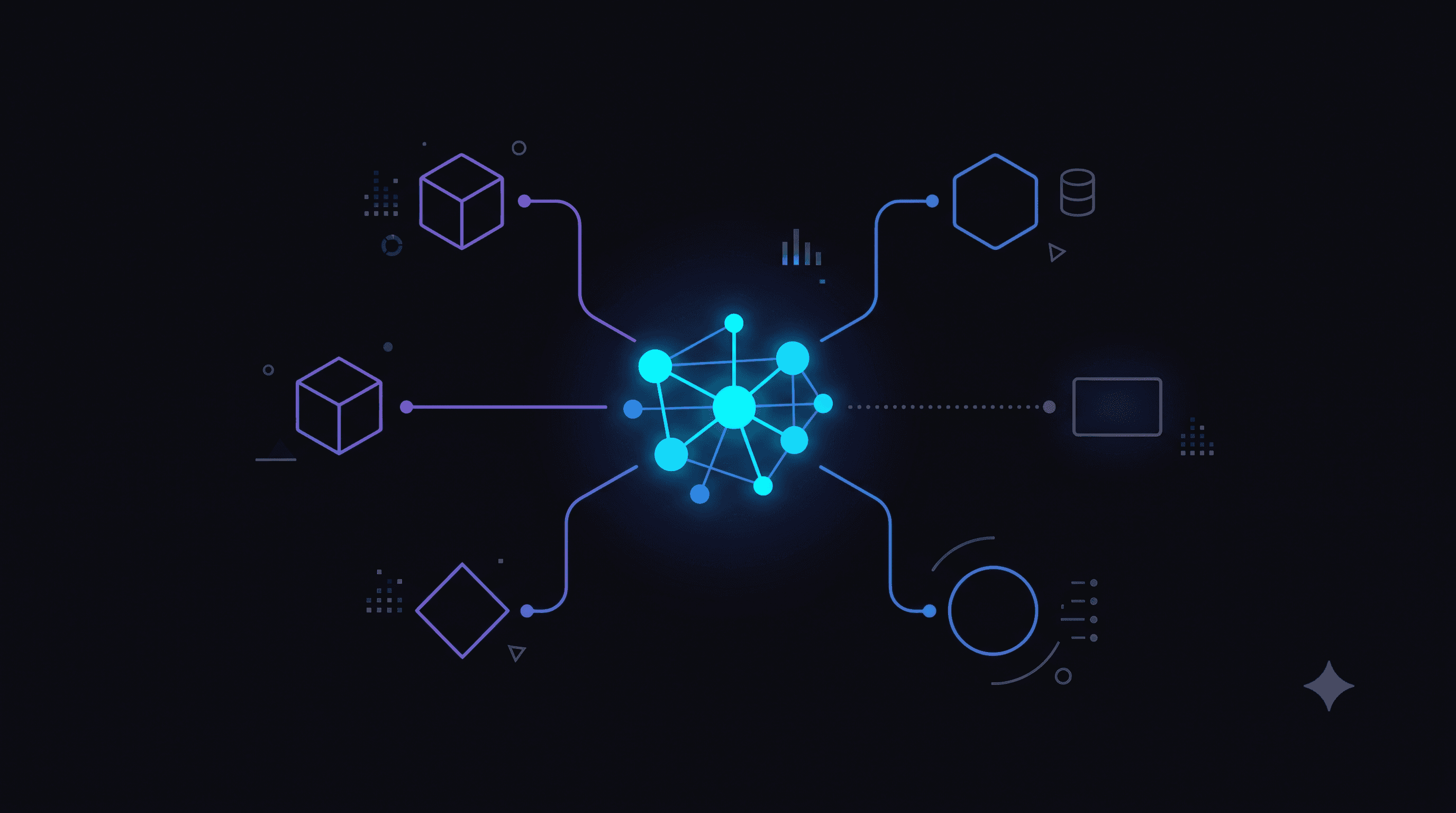
IMAGE PROMPT: An abstract visualization of system integration without disruption. Background is deep black (#0a0a0f). In the center, a luminous graph node cluster in vibrant cyan and electric blue represents an AI agent layer. From this central cluster, clean glowing connector lines in purple and blue reach outward to peripheral system icons rendered as minimal geometric shapes: a cube (ERP), a diamond (CRM), a hexagon (database), a circle (API gateway), a rectangle (legacy system). The legacy system icon is slightly dimmer and its connection line is dotted, suggesting read-only integration. The connectors all maintain the central node cluster's integrity — nothing is being rebuilt or replaced. The overall effect is a hub-and-spoke integration diagram that feels like enterprise architecture art. No text, no logos, no people. Premium technical aesthetic. 16:9 at 1920x1080px.
Ready to accelerate your operations?
See how custom AI solutions, ERPNext integration, and workflow automations can lower your operating costs. Book your free 30-minute Workflow Audit with a senior engineer.