
LangGraph.js vs AutoGen vs CrewAI: The Enterprise Production Comparison No One Is Being Honest About
Most comparisons of AI agent frameworks read like marketing copy with a thin veneer of technical language. They compare features on a checkbox matrix and declare a winner. They don't talk about what breaks in production, what keeps you up at night, or what your compliance team will say when they look at the audit trail.
This post is different. Techseria has built production AI agent systems on all three major frameworks — LangGraph.js, Microsoft AutoGen, and CrewAI. We chose LangGraph.js for our enterprise client deployments, and we're going to explain exactly why using criteria that actually matter in production environments serving real business operations.
The Criteria That Matter in Enterprise Production
Before the comparison, let's establish what enterprise production actually requires. A proof-of-concept AI agent can be built on almost anything. A production system running business-critical workflows needs:
- Deterministic execution — the same inputs produce the same execution path, every time
- State persistence — workflow state survives crashes, restarts, and planned maintenance
- Human-in-the-loop support — native ability to pause, await human input, and resume
- Complete audit trails — every decision, every data read, every action logged and queryable
- Error handling and retry logic — graceful handling of transient failures without losing workflow state
- Production observability — structured logs, traces, and metrics that integrate with enterprise monitoring
- Testability — unit-testable components with deterministic behavior
- Type safety — schema enforcement that catches bugs at development time, not production time
Let's evaluate each framework against these criteria honestly.
AutoGen: Microsoft's Conversational Approach
AutoGen models multi-agent workflows as conversations between agents. Agents send messages to each other, an orchestrator agent decides what happens next, and the workflow progresses through message exchange.
What works well: AutoGen has excellent integration with Microsoft's ecosystem — Azure OpenAI, Microsoft 365, and the broader Azure stack. For teams already invested in Microsoft tooling, the integration story is smooth. The conversational model is intuitive for simple workflows and maps naturally to how humans think about delegation.
Where it breaks down in enterprise production:
Determinism: AutoGen's orchestration is LLM-driven. The orchestrator agent decides which specialist agent to invoke and in what order based on model output. This means the execution path is non-deterministic — the same inputs can produce different execution sequences on different runs. For workflows where process sequence is a compliance requirement (approvals before execution, validation before approval), this is a fundamental problem.
State persistence: AutoGen does not have native state persistence across process boundaries. Microsoft has been improving this with Azure-backed storage options, but as of 2026, it requires significant custom implementation to achieve the kind of checkpoint-every-step persistence that LangGraph.js provides natively.
Human-in-the-loop: The conversational model means human input is modeled as a message in the conversation. This works for simple cases but becomes complex for workflows where human approval is a hard gate with timeout handling, reminder logic, and resumption after arbitrary delays.
Audit trails: AutoGen logs conversation history, but constructing a structured, queryable audit record of business decisions from conversation history requires significant post-processing. The audit trail is a derived artifact, not a first-class system concern.
Best for: Research and experimentation, Microsoft-native workflows, conversational AI applications where determinism is not a hard requirement.
Not suitable for: Regulated industry workflows, procurement automation, financial processes, or any workflow where you need to demonstrate to auditors exactly what the system did and why.
CrewAI: The Multi-Agent Orchestration Framework
CrewAI's mental model is a crew of specialized agents, each with a defined role, working together on a task. You define agents (a researcher, an analyst, a writer), assign them tools, and define tasks. The crew coordinates to complete the goal.
What works well: CrewAI has the most intuitive developer experience for multi-agent workflows. The abstraction of "agents with roles working together" maps naturally to how humans think about team coordination. Prototypes come together quickly, and the framework handles a lot of the coordination boilerplate.
Where it breaks down in enterprise production:
Determinism: Like AutoGen, CrewAI's task assignment and sequencing is LLM-driven. Agents can be configured with sequential or hierarchical process modes, but even sequential mode has LLM-driven decision points within task execution. In production, we observed execution paths diverging in ways that were difficult to debug because the divergence happened inside LLM reasoning, not in deterministic code.
State persistence: CrewAI has improved its memory capabilities significantly through 2025-2026. However, checkpoint-based state persistence — where you can interrupt execution at any node, persist state, and resume exactly — is not a native feature. Crew memory and checkpoint recovery are different concepts.
Type safety: CrewAI workflows are defined primarily through configuration objects and string descriptions. The lack of strong typing means errors in workflow definition surface at runtime, in production, rather than at compile time.
Error recovery: When a CrewAI task fails mid-execution, the recovery behavior depends on how the crew is configured. In our experience, recovering from mid-workflow failures required significant custom handling, and in some cases required restarting the entire crew from the beginning.
Best for: Content generation pipelines, research aggregation, workflows where the process is naturally exploratory and non-deterministic execution is acceptable.
Not suitable for: Financial workflows, supply chain automation, compliance-sensitive processes, or any workflow where partial completion or non-deterministic recovery is a business risk.
LangGraph.js: The Framework Built for Production
LangGraph.js was built by Langchain Inc. specifically to address the production limitations of the original LangChain framework. The graph-based execution model was designed from the ground up for stateful, long-running, human-interrupted workflows.
Determinism
LangGraph.js execution is fully deterministic. Routing between nodes is defined by TypeScript functions that return node names. There is no LLM deciding which node to visit next — that's your code's job. The LLM is called only inside specific nodes for reasoning tasks. Everything else — routing, state management, error handling — is deterministic code.
This is a critical architectural distinction. In a procurement workflow, the decision "should I call the compliance check node or skip it?" should never be made by a language model. It should be made by a rule: if vendor is new or last compliance check was > 90 days ago, call compliance check. That's a TypeScript conditional, not an LLM prompt.
State Persistence: Checkpointer Interface
LangGraph.js defines a Checkpointer interface that is implemented by storage backends. The framework calls the checkpointer after every node execution to persist the current state. Available implementations include:
- In-memory (development only)
- PostgreSQL (recommended for production)
- SQLite (small-scale deployments)
- Redis (high-throughput scenarios)
- Custom implementations via the interface
Techseria's enterprise deployments use Azure Database for PostgreSQL as the checkpoint store. Every workflow execution is stored with thread ID, checkpoint ID, full serialized state at that checkpoint, timestamp, and node name.
This means any workflow can be inspected, replayed, or resumed from any point in its history. For a three-week-old purchase order that was approved and executed, you can reconstruct the exact state the agent saw when it made every decision.
Human-in-the-Loop: First-Class Primitive
The interrupt() function in LangGraph.js is a first-class primitive, not a bolt-on feature. When a node calls interrupt(), execution pauses, the current state is checkpointed, and the calling process receives a signal that human input is required.
The workflow is resumed by calling the LangGraph.js API with the thread ID and the human's response. The framework restores the state from the checkpoint and continues execution from the interrupted node with the human input available in the state.
This works correctly across process restarts (state is persisted, resume works after new process startup), long delays (a workflow waiting three days for VP approval resumes correctly), and retry scenarios (if the resume call fails, you can retry without duplicating workflow effects).
Audit Trails
Because LangGraph.js checkpoints state after every node, you have a complete, immutable record of every state transition in every workflow. This is a structural audit trail, not a logging afterthought. Every field in the state object is tracked through its complete history.
For enterprise clients, Techseria extends this with an explicit auditLog field in the state schema — a typed array of audit entries that accumulates throughout the workflow. This gives both the structural checkpoint trail and a human-readable decision log.
Production Observability
LangGraph.js integrates with LangSmith for tracing and monitoring. In production, every graph execution generates a structured trace showing node execution times, LLM call details (model, token usage, cost), and tool invocation results. This data streams to Azure Monitor in our deployments via a custom callback handler.
The Honest Summary
| Criteria | LangGraph.js | AutoGen | CrewAI | |---|---|---|---| | Deterministic execution | Yes — code-defined routing | No — LLM orchestration | Partial — sequential mode | | Native state persistence | Yes — checkpointer interface | No — custom required | No — memory is not checkpoints | | Human-in-the-loop | Yes — first-class interrupt | Partial — message-based | No — custom required | | Type safety | Yes — TypeScript state schema | Partial | No | | Audit trail quality | Structural and queryable | Conversation history | Task output only | | Error recovery | Checkpoint-based, precise | Requires custom handling | Often requires full restart | | Production maturity | High | Medium | Medium | | Microsoft Azure integration | Strong (native tools) | Native | Good |
The verdict is not that AutoGen and CrewAI are bad frameworks. They are excellent for the use cases they were designed for. But enterprise production workflows — where business value, compliance, and operational reliability are on the line — require the structural guarantees that only LangGraph.js provides.
This is why Techseria builds exclusively on LangGraph.js for client deployments. Not because it's trendy. Because it's the only framework that lets us make promises to enterprise clients about production behavior and actually keep them.
Ready to deploy AI agents that actually work in production? Book a Strategy Session with Techseria — we'll evaluate your workflow requirements and show you exactly what a LangGraph.js production architecture looks like for your use case.
[Book a Strategy Session](https://techseria.com/contact)
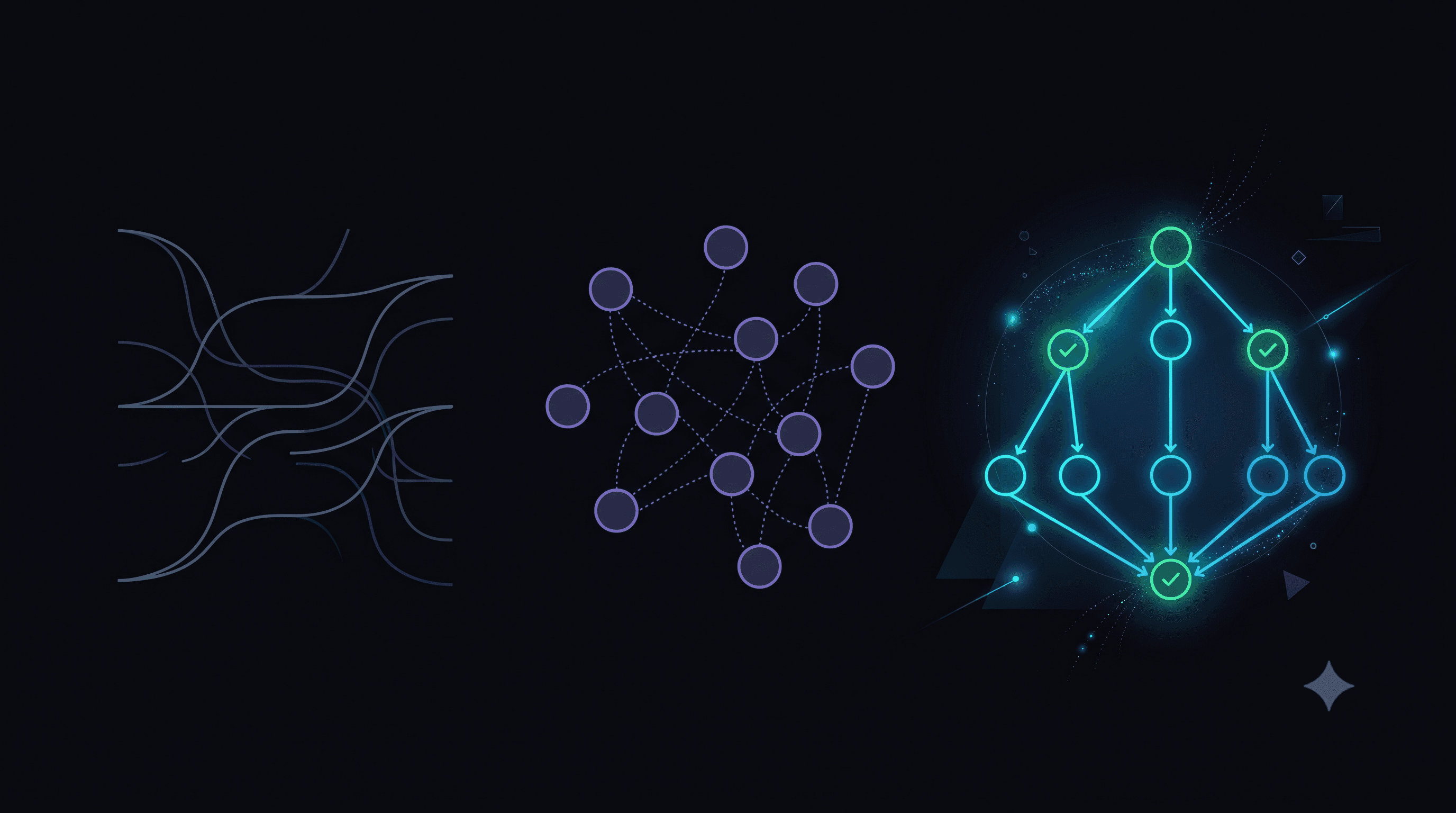
IMAGE PROMPT: A dark abstract comparison visualization. Background is deep black (#0a0a0f). Three distinct architectural diagrams float in the frame, arranged in a horizontal triptych. The leftmost (representing a conversational framework) shows flowing curved lines in muted blue-grey suggesting natural language flow with no clear structure. The center (representing a crew framework) shows a cluster of circular agent nodes loosely connected with dotted lines in purple. The rightmost (representing a graph framework) shows a clean directed graph with solid glowing edges in vibrant cyan and electric blue, with clear node hierarchy and checkpoint markers glowing in green. Subtle glow effects and particle trails emphasize the structured nature of the rightmost diagram. No text, no labels, no logos, no people. Premium enterprise aesthetic. 16:9 at 1920x1080px.
Ready to accelerate your operations?
See how custom AI solutions, ERPNext integration, and workflow automations can lower your operating costs. Book your free 30-minute Workflow Audit with a senior engineer.