
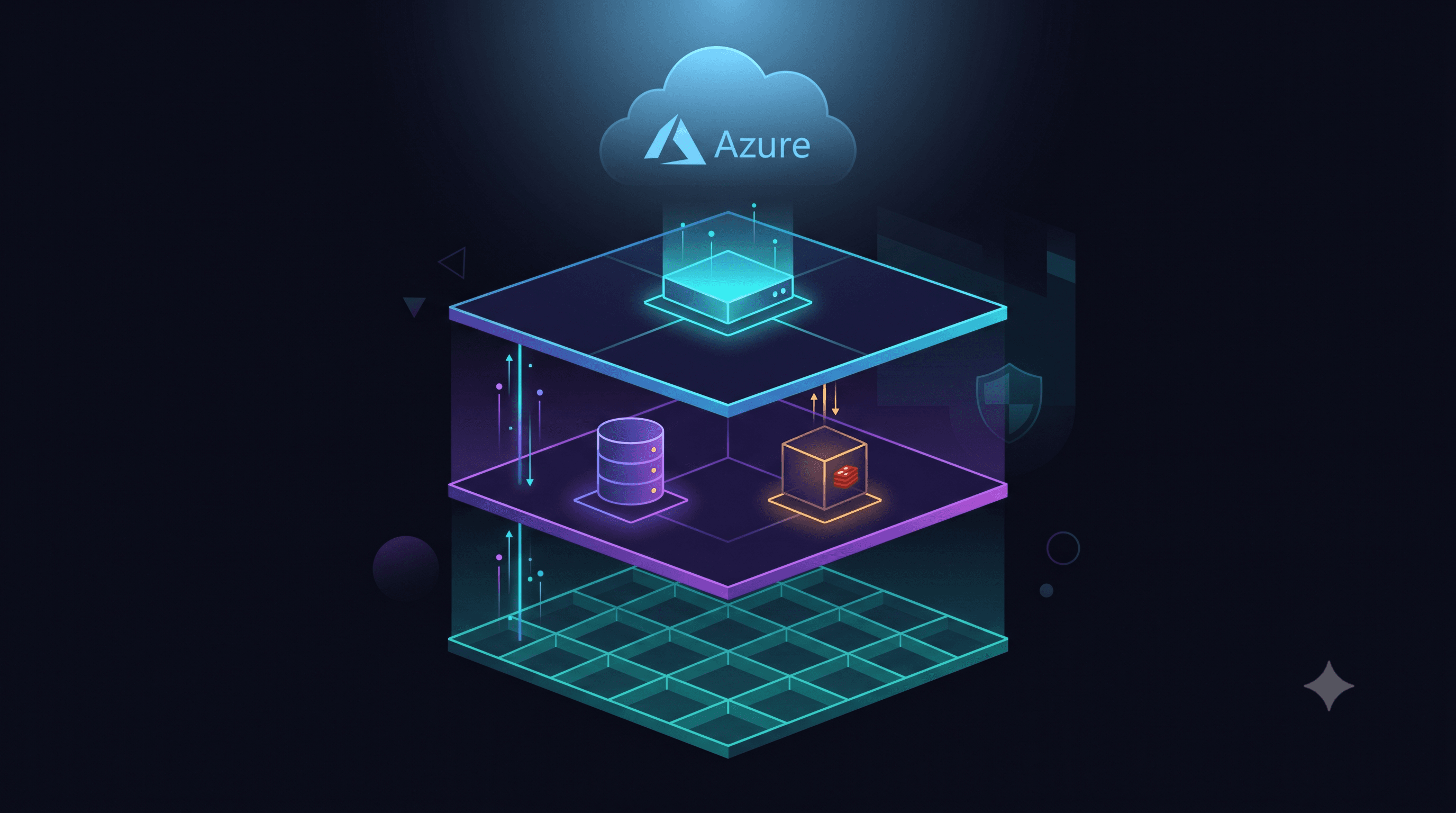
Azure Infrastructure for ERPNext: Production Configuration Guide
Hosting ERPNext on Azure gives you the combination of ERPNext's zero licence cost with Azure's enterprise reliability, compliance certifications, and global presence. This guide covers the exact infrastructure configuration Techseria uses for production ERPNext deployments.
VM Sizing by User Count
ERPNext performance scales primarily with RAM and CPU. Disk I/O matters for large databases. Network bandwidth is rarely the constraint. Recommended Azure VM sizes: 10-50 users: Standard_B4ms (4 vCPU, 16GB RAM) — £105-140/month. 50-150 users: Standard_D4s_v5 (4 vCPU, 16GB RAM, higher baseline performance) — £130-165/month. 150-300 users: Standard_D8s_v5 (8 vCPU, 32GB RAM) — £260-330/month. 300-500 users: Standard_D16s_v5 (16 vCPU, 64GB RAM) — £520-660/month. For very large deployments (500+ users), consider separating the MariaDB database onto a dedicated Azure Database for MySQL Flexible Server — this allows independent scaling of application and database tiers.
Storage Configuration
OS disk: Premium SSD P10 (128GB) — sufficient for the OS and ERPNext application files. Data disk: Premium SSD P30 (1TB) or larger, attached for the MariaDB data directory and ERPNext site files (uploaded documents, backups). File storage: Azure Files (SMB share) mounted for ERPNext's public/private file storage — this enables easy expansion without resizing the VM disk, and integrates with Azure Backup natively.
Networking Configuration
Virtual Network: Deploy ERPNext in a dedicated VNet with a private subnet. Do not expose the VM directly to the internet. Application Gateway or Azure Front Door: Place Azure Application Gateway (WAF_v2 tier) in front of the ERPNext VM. This provides: Web Application Firewall (WAF) for OWASP protection, SSL termination (certificates managed in Azure Key Vault), DDoS protection at the application layer, Load balancing (for HA configurations). Network Security Group: Allow inbound HTTPS (443) to the Application Gateway only. Block all direct inbound access to the VM. Allow outbound internet from the VM for email, SMS, and API calls. Bastion: Use Azure Bastion for SSH access — no public SSH port exposed.
Backup Configuration
Azure VM Backup: Enable Azure Backup for the VM. Retention policy: daily backups for 30 days, weekly for 12 weeks, monthly for 12 months. Backup schedule: daily at 2am. ERPNext automatic backups: ERPNext's built-in backup system creates daily database and file backups. Configure these to upload to Azure Blob Storage (cool tier) in a separate storage account from your primary data. Geo-redundant storage: Enable geo-redundant storage (GRS) on both the Azure Backup vault and the ERPNext backup storage account. This replicates your backups to a secondary Azure region automatically.
Monitoring Configuration
Azure Monitor: Enable VM Insights on the ERPNext VM. This collects CPU, memory, disk I/O, and network metrics. Set alerts: CPU > 85% for 5 minutes, Available memory < 2GB, Disk IOPS > 80% of limit, VM unavailability. Log Analytics: Install the Azure Monitor Agent and configure data collection rules to send ERPNext application logs (supervisor logs, nginx logs, frappe.log) to Log Analytics. This enables querying logs and setting alert rules on ERPNext-specific errors. Application availability: Configure Azure Monitor availability tests (URL ping tests) to alert if the ERPNext login page returns a non-200 status.
Monthly Cost Breakdown (150-user deployment)
Standard_D8s_v5 VM (1-year reserved): £170/month. Premium SSD OS disk (P10): £15/month. Premium SSD data disk (P30, 1TB): £130/month. Application Gateway WAF_v2 (small): £135/month. Azure Backup: £25/month. Azure Monitor and Log Analytics: £20/month. Azure Bastion (basic): £10/month. Estimated total: £505/month = £6,060/year. For a 150-user deployment, this is approximately £40/user/year — compared to Frappe Cloud at similar scale or ERPNext SaaS alternatives, this is typically 30-50% cheaper at this user count.
Techseria deploys and manages ERPNext on Azure for clients across the UK, UAE, India, and Saudi Arabia. Book a Strategy Session to discuss your hosting requirements.
Ready to accelerate your operations?
See how custom AI solutions, ERPNext integration, and workflow automations can lower your operating costs. Book your free 30-minute Workflow Audit with a senior engineer.