
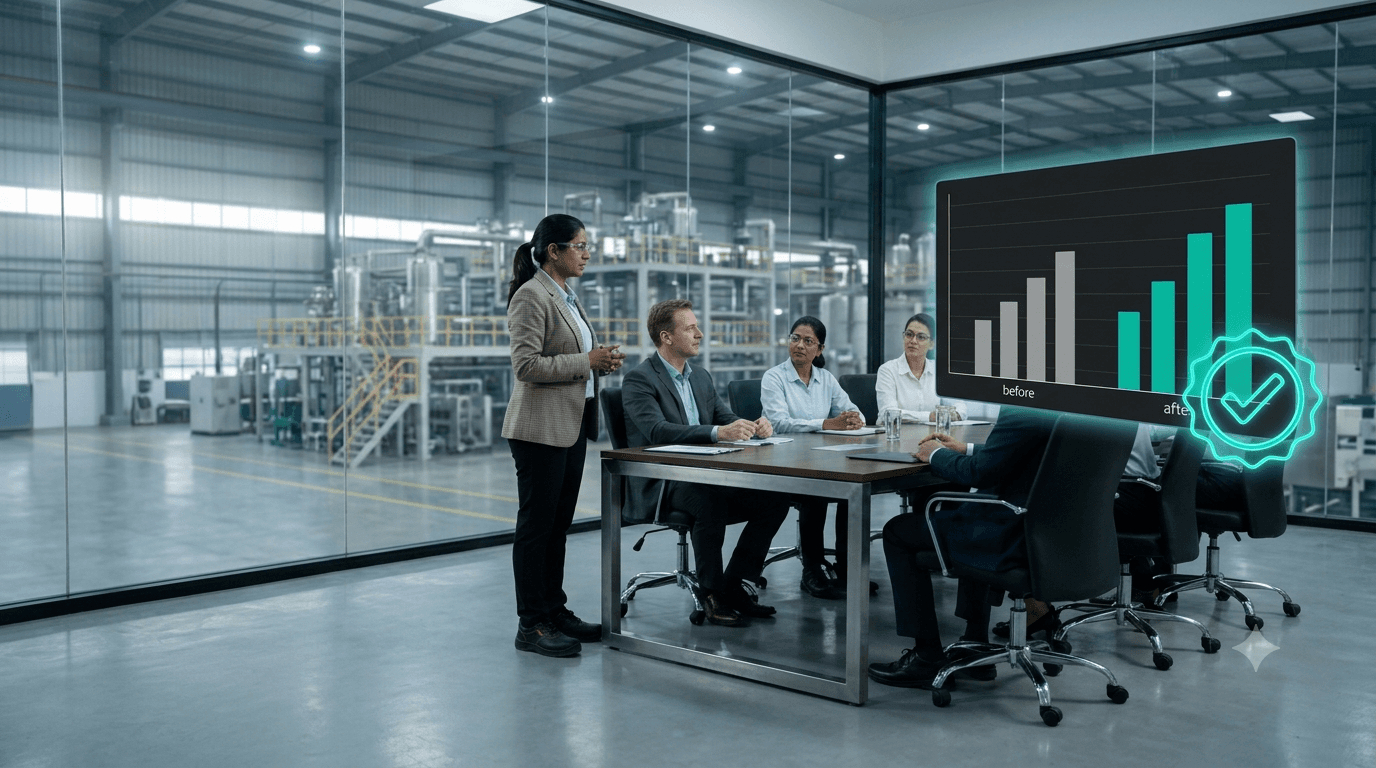
How to Prove the ROI of Industry 4.0 and Predictive Maintenance to Your Board
Three years ago, a vendor promised a 20% cut in downtime. The dashboard is still there. When the board asks what it saved, nobody can put a verified number on the table.
This is not a technology failure. It is a measurement failure, and it can be avoided.
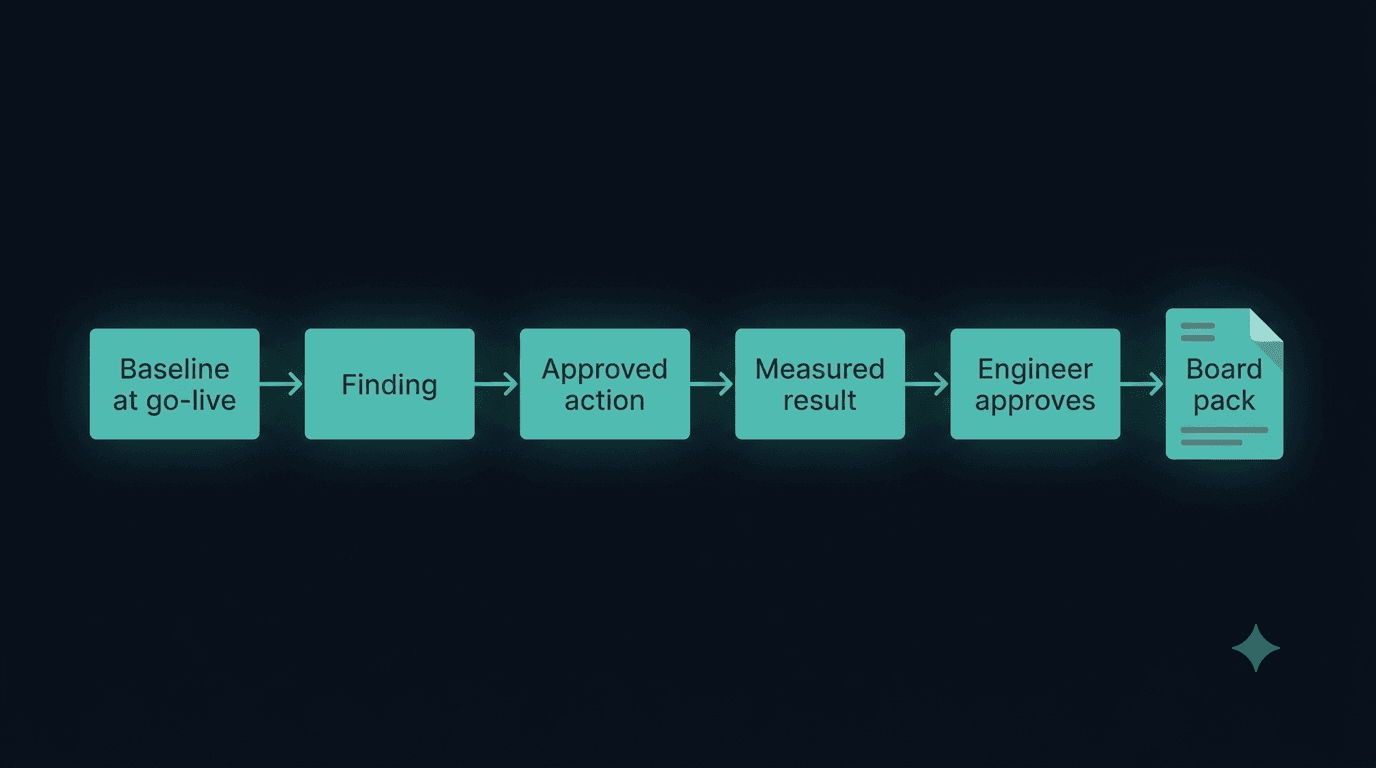
In short: Digital savings are defensible only when four things are true. A baseline was recorded before the project started. Each improvement is compared like-for-like against that baseline. Energy savings are normalised for production volume. And each saving is approved by the plant's own engineer, not claimed by the vendor. Report only approved savings, with a completeness statement first.
Why most digital projects cannot prove their value
- No baseline was recorded. Without a "before", there is nothing to compare against.
- The vendor estimated the savings. Nobody on the plant side reviewed or signed the figures.
- Figures are not like-for-like. Downtime fell, but the plant also ran fewer shifts. Energy fell, but output fell too.
- Incomplete data is hidden. A report that silently skips missing weeks looks better than it is.
- Claimed and verified savings are mixed in the same headline.
A method that survives a CFO's questions
1. Record the baseline at go-live
Downtime hours, maintenance spend, MTBF and MTTR, and energy consumption, measured over a defined period before any change.
2. Normalise energy for production
Fit energy against output over the "before" window, so a saving is measured at the output actually produced.
3. Link every saving to an action
Each claimed saving should trace back to a specific finding, action and work order.
4. Let your own engineer approve each saving
A reliability or operations engineer reviews each claim and approves or rejects it. Record who approved it, when, and on what basis.
5. Report only approved savings
Separate validated savings from claimed ones. Open every report with a data-completeness statement.
How MIRA makes savings verifiable
MIRA, Techseria's AI plant-intelligence platform, is built around savings the customer signs off.
- Deployment baseline: your administrator records downtime hours, maintenance spend, MTBF and MTTR at go-live.
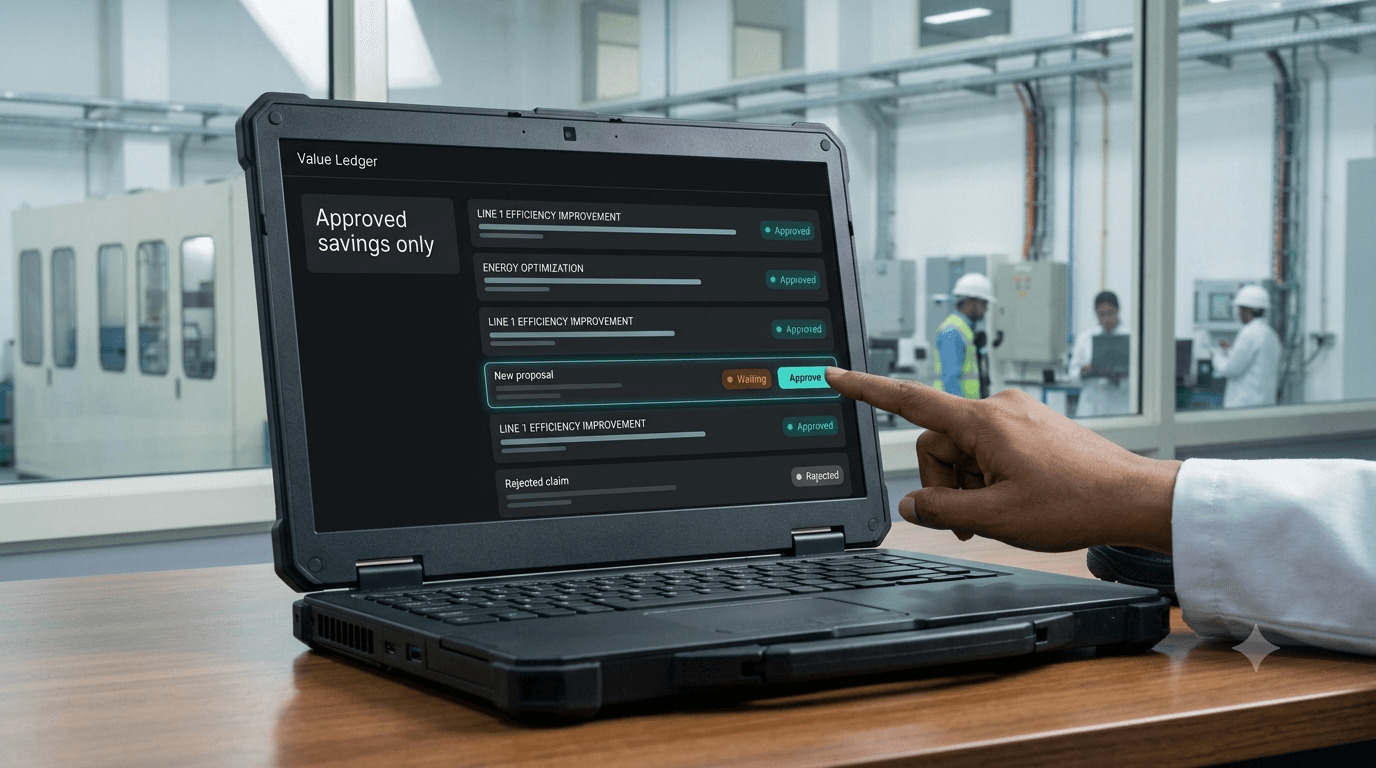
- Value ledger: every saving MIRA finds, such as energy, maximum demand, power factor or recovered production hours, waits for approval. The headline counts only approved claims.
- Validation queue: your own reliability or operations engineer approves each saving. The approval is a write-once record of who approved it, when and on what basis, bound to the exact figure approved.
- Production-normalised energy baselines, so a saving is never booked when the plant simply produced less.
- Proof screen: today against the baseline. MIRA refuses to show a comparison when the figures are not comparable.
- Monthly executive pack in Word, Excel or PDF, opening with a completeness note. It will not export while incomplete, and it can be emailed automatically to a named recipient list every month.
The board sees savings your own engineers approved, measured against a baseline recorded before MIRA did anything. We do not claim your savings. Your engineer approves them.
Frequently asked questions
How do you calculate the ROI of predictive maintenance?
Measure downtime hours, maintenance spend, MTBF and MTTR before and after, on a like-for-like basis. Value avoided downtime at a stated rate per hour, and count only improvements that your engineers have reviewed.
What is a production-normalised energy baseline?
It is a model of expected energy use for a given output, fitted over a "before" period. Comparing actual energy with it separates real efficiency gains from changes in volume.
Does MIRA publish an accuracy or savings percentage?
No. Results depend on your data. MIRA reports savings that your own engineers approve instead.
Walk into the next board meeting with proof
See MIRA on Your Own Plant Data
Bring a month of work orders, a meter export or a PLC tag list. We'll show you what MIRA finds, and what it needs to find more. Unlimited users and assets, installed inside your network.
Ready to accelerate your operations?
See how custom AI solutions, ERPNext integration, and workflow automations can lower your operating costs. Book your free 30-minute Workflow Audit with a senior engineer.