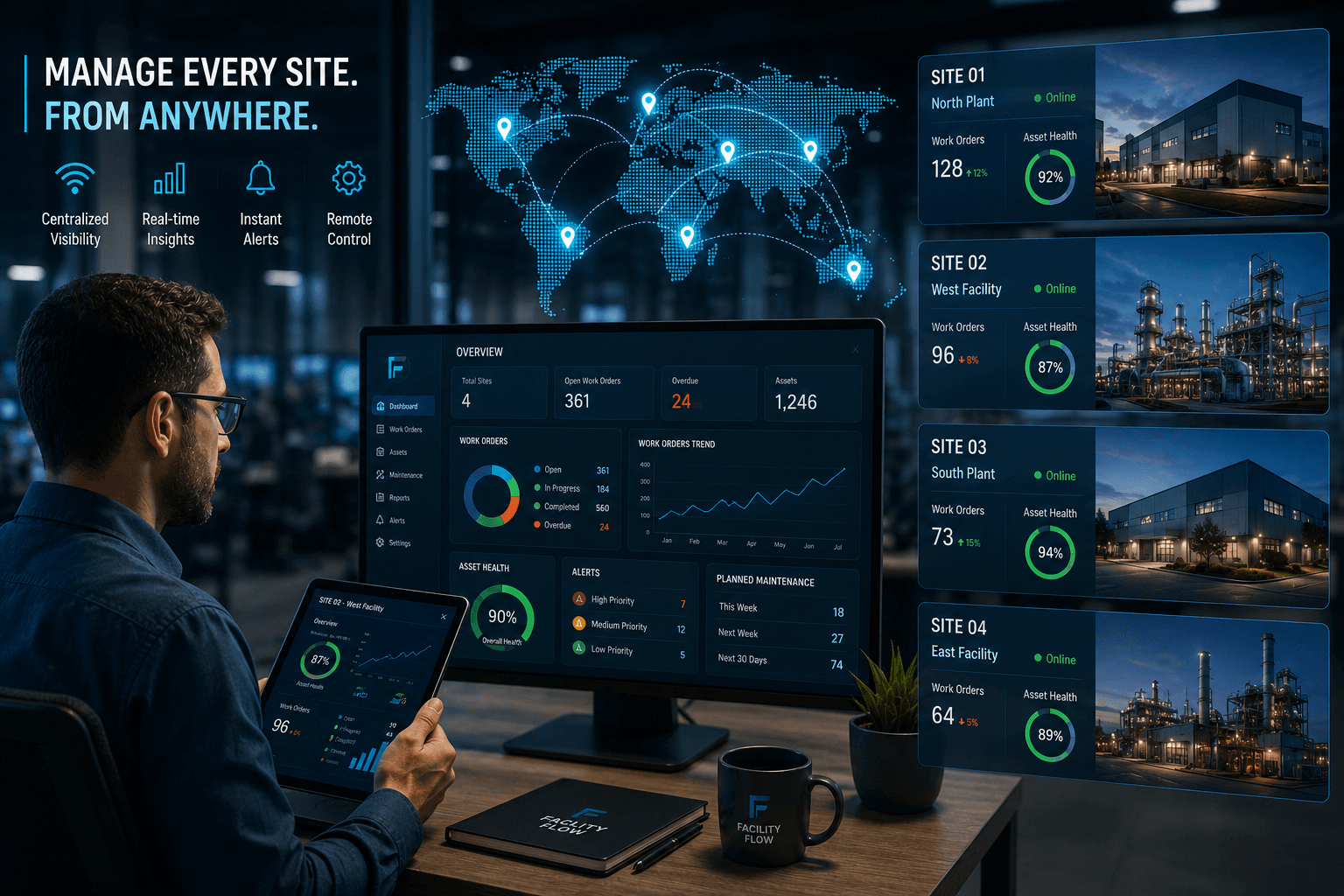
Running one building is a full-time job. Running ten, or fifty, across different cities and clients, is a different kind of job. You cannot be everywhere, so you depend on the information reaching you to be complete, current and trustworthy.
Here is a practical look at what remote multi-site management needs, and how a single platform can support it without burying you in tools or spreadsheets.
Start with one database
The most common reason multi-site operations feel chaotic is that each site keeps its own records. Faults sit in one inbox, licences in another folder, rosters in a third spreadsheet. To compare two sites, someone has to collect and tidy the data first.
FacilityFlow keeps every site in one database. Each site is set up as a Job Site, with its facilities and equipment beneath it, so a fault, a work order or a licence always belongs to a place. Comparing sites then becomes a matter of opening a screen.
See the whole portfolio at a glance
The portfolio map shows every Job Site on a single map, with its operations score, key indicators, licences coming due, a twelve-month fault trend and its assets. A site that is struggling stands out without anyone having to phone around.
Beyond the map, there are multi-site dashboards for maintenance, contracts, energy, site audits and the helpdesk. They give a regional or head-office manager the same view that a site supervisor has, only wider.
The daily rhythm matters too. When every site reports in the same format, a head-office manager can spot patterns, such as a fault type that keeps coming back across several buildings, rather than treating each site as a one-off. Over time that shared view helps you decide where to spend attention and budget.
Moving people between sites
Staffing is the other half of multi-site work. People are sick, sites are short-handed and a specialist is needed in two places in one week. FacilityFlow supports cross-site deployment and resource allocation, and it gives reliever technicians access to the site they are covering. Access is arranged for the cover period, so nobody needs a manual workaround on the day.
Mobile work that survives poor signal
Plant rooms, basements and rooftops are not known for good coverage. The FacilityFlow mobile app works offline, so technicians can capture checklists, photos and signatures where they are. Jobs sync when the connection returns, without creating duplicates, and late arrivals from the offline queue are flagged so you can see what came in after the event.
Each technician also has a single My Work view that gathers their jobs and approvals, which keeps the day simple when they are covering unfamiliar premises.
Remote management is also about trust. Clients want to know that work is happening even when you are not standing on site. Time-stamped checklists, photos and signatures captured in the app give you proof you can share, and they save long email threads when a question comes up.
Each party sees only its own sites
Multi-site operations often involve several parties: your own team, subcontractors, clients and sometimes an authority. They should not all see everything. FacilityFlow applies permissions at the Job Site level, so people see the sites they are responsible for and nothing else, and sensitive records can carry additional rules.
That makes it easier to share the platform widely, because sharing does not mean exposing every site to every user.
How FacilityFlow helps
FacilityFlow gives remote managers one database, a portfolio map, multi-site dashboards, cross-site deployment, an offline mobile app and site-scoped security. A daily management summary email, with site-manager summaries as well, means the key points reach you each morning without you having to go and look for them. FacilityFlow is an integrated facility management, CMMS and workforce platform with unlimited users and no per-seat fees.
If you manage more than one site and would like to see this on your own portfolio, we would be happy to arrange a demo.
