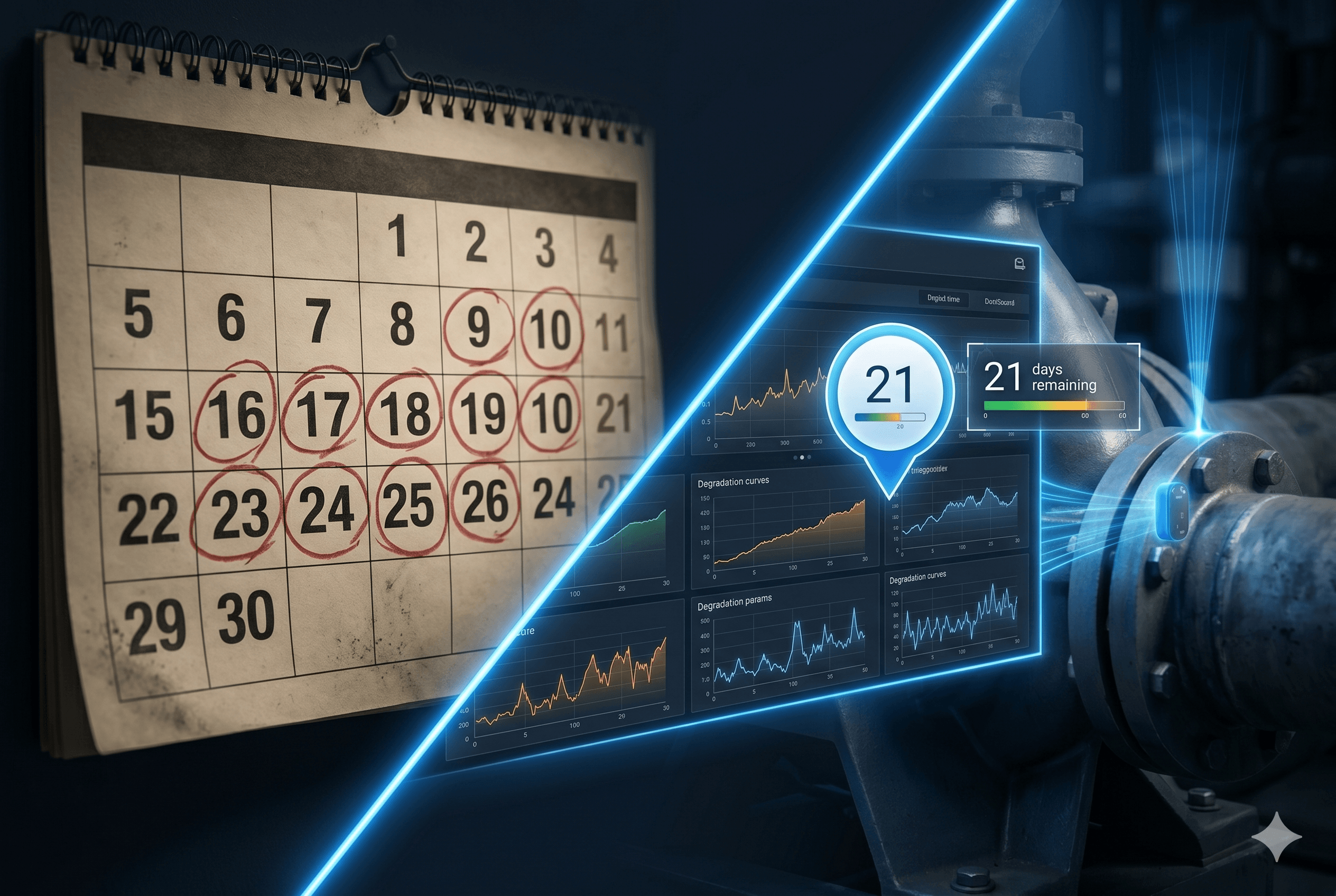
Most maintenance plans begin the same way. Someone decides a pump is serviced every three months, a filter every six, and the schedule is set. It is simple, easy to audit and a big step up from fixing things only when they break.
But a fixed calendar treats a machine that runs all day the same as one that barely moves. Over time, many teams look for a plan that follows how equipment is actually used and how it is actually behaving.
Where calendar-only plans fall short
Calendar schedules are blunt. A generator that ran for two hundred hours this quarter is serviced on the same date as one that sat idle. The busy one may be overdue in practice, and the idle one gets a visit it did not need. Both cost time, parts and access arrangements.
Calendar plans still have a place. Statutory inspections, safety checks and many routine tasks are rightly tied to dates. The aim is not to drop the calendar but to stop relying on it for everything.
Adding meter-based schedules
The next step is to trigger work from usage. Meter-based schedules can follow hours, kilometres, miles, cycles or production units, so a service falls due when the equipment has done the work, not simply when a date arrives. You can combine the two: service every six months or every thousand hours, whichever comes first.
This is often the easiest improvement to make, because the data is usually already known. It just has to be recorded and linked to the schedule.
Moving to condition-based work
Condition-based maintenance goes one step further. Work is raised when the equipment shows it needs attention, for example when a reading passes a threshold or a health indicator changes. Instead of replacing a part on schedule, you replace it when its condition says so.
This works best where you have reliable readings, so it usually starts with your most critical assets. It also helps to keep a calendar backstop in place while you build confidence in the thresholds.
Proving it with the Time vs Condition report
Any change should be checked against results. FacilityFlow includes a Time vs Condition Maintenance report that compares calendar-driven work with condition-driven work and shows the breakdowns avoided by condition-based jobs. That gives you evidence from your own sites, rather than general claims, to decide where to extend the approach.
Keep checklists tidy as plans change
When schedules change, checklists change too. Versioned checklists mean that updating a task list does not rewrite history: you can see which version a technician used on a given job. Checklist reports on completion, compliance and failure patterns then show where tasks are skipped or where the same step keeps turning up a fault.
Common pitfalls to avoid
Do not switch everything at once. Changing every schedule in one go makes it impossible to tell what helped and what did not, and it can overwhelm technicians who are still learning the new routine.
Also avoid setting thresholds from guesswork. Look at how the equipment has behaved in the past, start with generous limits, and tighten them as you learn. Talk to the technicians who know the plant, because their sense of what normal looks like is a valuable starting point. Finally, keep a record of why each trigger was chosen, so the next person can review it sensibly.
How to start small, and how FacilityFlow helps
Pick one or two critical asset types. Keep the calendar schedule, add a meter-based trigger where usage matters, and set one or two condition thresholds. Review after a few months and adjust. Small, steady steps build trust in the plan.
FacilityFlow supports each step in one platform. Planned maintenance can run on calendar and meter-based schedules, includes condition-based types, and lets IoT readings fill in checklist values. Scheduled jobs raise overdue visits automatically, and the platform offers 164 reports, including the Time vs Condition Maintenance view. It is all rule-based, so your team stays in control. If you would like to see how to move from calendar to condition-based maintenance at your own pace, we would be glad to show you in a demo.
