Reactive maintenance feels cheap because the bill arrives in small pieces. A call-out here, an hour of overtime there, a part collected on the way to site. Each one seems reasonable on the day. Added together over a year, they can quietly become the biggest drain on a facilities budget.
This article is not a lecture on why reactive work is bad. Every team does some of it. It is a practical look at what waiting for things to break really costs, how to tell whether your team has slipped into firefighting, and a staged way to move towards planned and condition-based maintenance.
What waiting for a breakdown really costs
The visible cost is the repair. The less visible costs are the ones that hurt. An urgent call-out usually means a contractor at premium rates or a technician pulled away from other work. Evening and weekend fixes mean overtime. Parts bought at short notice tend to cost more than parts ordered in advance, and the wrong part can mean a second visit.
Then there is the effect on people. Tenants and occupants notice when the air conditioning fails or a lift stops. Complaints rise, the helpdesk gets busy, and the team spends the next day explaining rather than improving. If your contract has response targets, a rush of urgent jobs makes missed targets and deductions more likely.
There is also a cost that is easy to miss: the work that never gets done. When a team is always reacting, filters go unchanged and inspections slip, which tends to create the next breakdown.
Signs your team is stuck in firefighting mode
You may recognise some of these. The day plan is abandoned by ten in the morning. The same asset appears in the job list again and again. Planned tasks are pushed back because urgent ones keep arriving. Nobody can say, without searching, when a piece of equipment was last serviced.
Another sign is that reporting happens at the end of the month in a rush, because the information lives in notebooks, messages and memory. If that sounds familiar, the issue is rarely effort. It is that the team has no space to plan, and no clear view of what is coming due.
A staged path to planned maintenance
You do not need to change everything at once. Stage one is simply to record everything. Register your assets, log every fault as a job, and let technicians close jobs from their phones. Even this gives you a picture of where the repeat problems are.
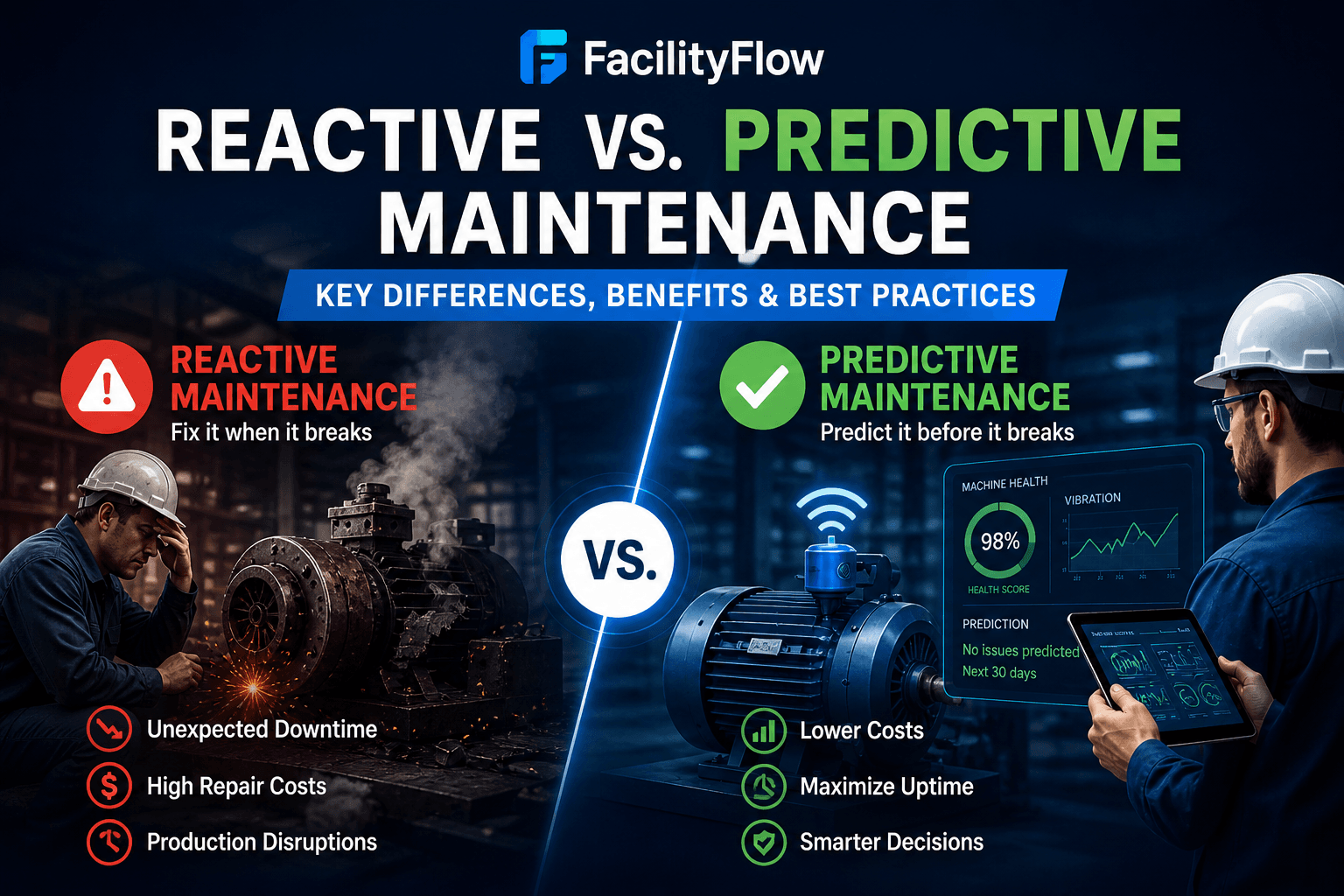
Stage two is calendar and meter-based planned maintenance. Put routine servicing on a schedule, based on dates or on usage such as running hours, so that the regular work is done before it becomes an emergency. Stage three adds condition-based maintenance, where a reading or a health measure tells you when equipment needs attention. At this stage you review failure patterns, such as how often equipment fails and how long repairs take, and adjust your plans.
Along the way, measure the shift. If the share of planned work is rising and urgent call-outs are falling, the change is working. If not, you know where to look.
Be patient with the early stages. The first few months of clean records are what make the later stages possible, because you cannot plan well around data you do not have.
How FacilityFlow supports each stage
For stage one, FacilityFlow gives you an asset register, a helpdesk and an offline mobile app, so jobs and findings are captured even in plant rooms and basements. Skill-based auto-assignment sends work to a suitably skilled technician, and the SLA engine checks targets and escalates every 5 minutes, so urgent jobs do not sit unseen.
For stage two, calendar and meter-based planned maintenance schedules the routine work, and more than 130 scheduled jobs run in the background to keep things moving. For stage three, condition-based PM, equipment health scores calculated every 6 hours and trend anomaly detection help you see which assets need a closer look. Reports such as Time vs Condition Maintenance, MTBF and MTTR, OEE and TCO show whether the balance is shifting.
FacilityFlow is an integrated facility management and CMMS platform with unlimited users and no per-seat fees, so you can bring the whole team on board from the start. If you would like to see how the stages could work for your sites, book a demo and we will walk you through it.
